Faster time-to-market
Teams skip months of building a custom docking layer from scratch.
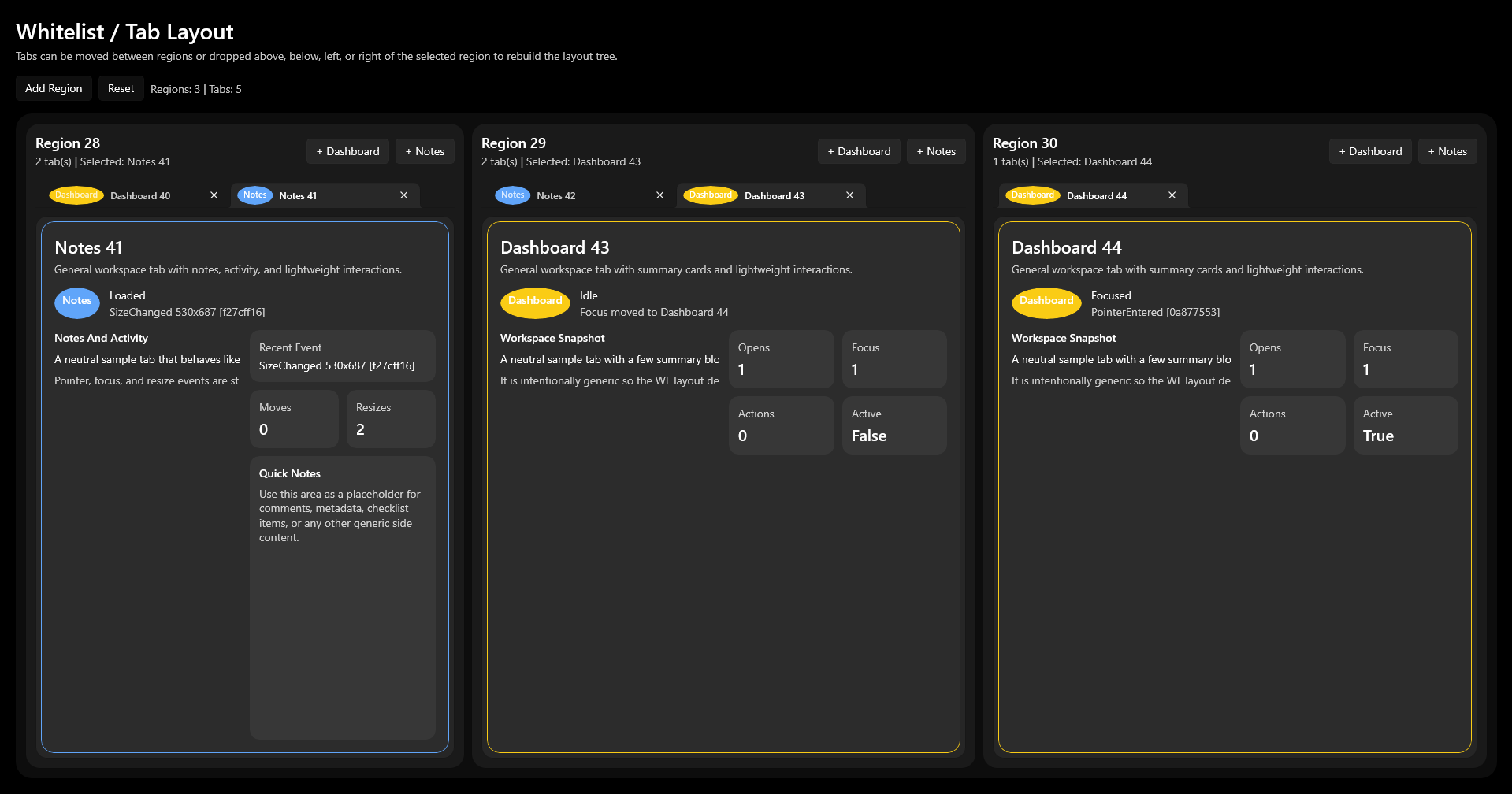
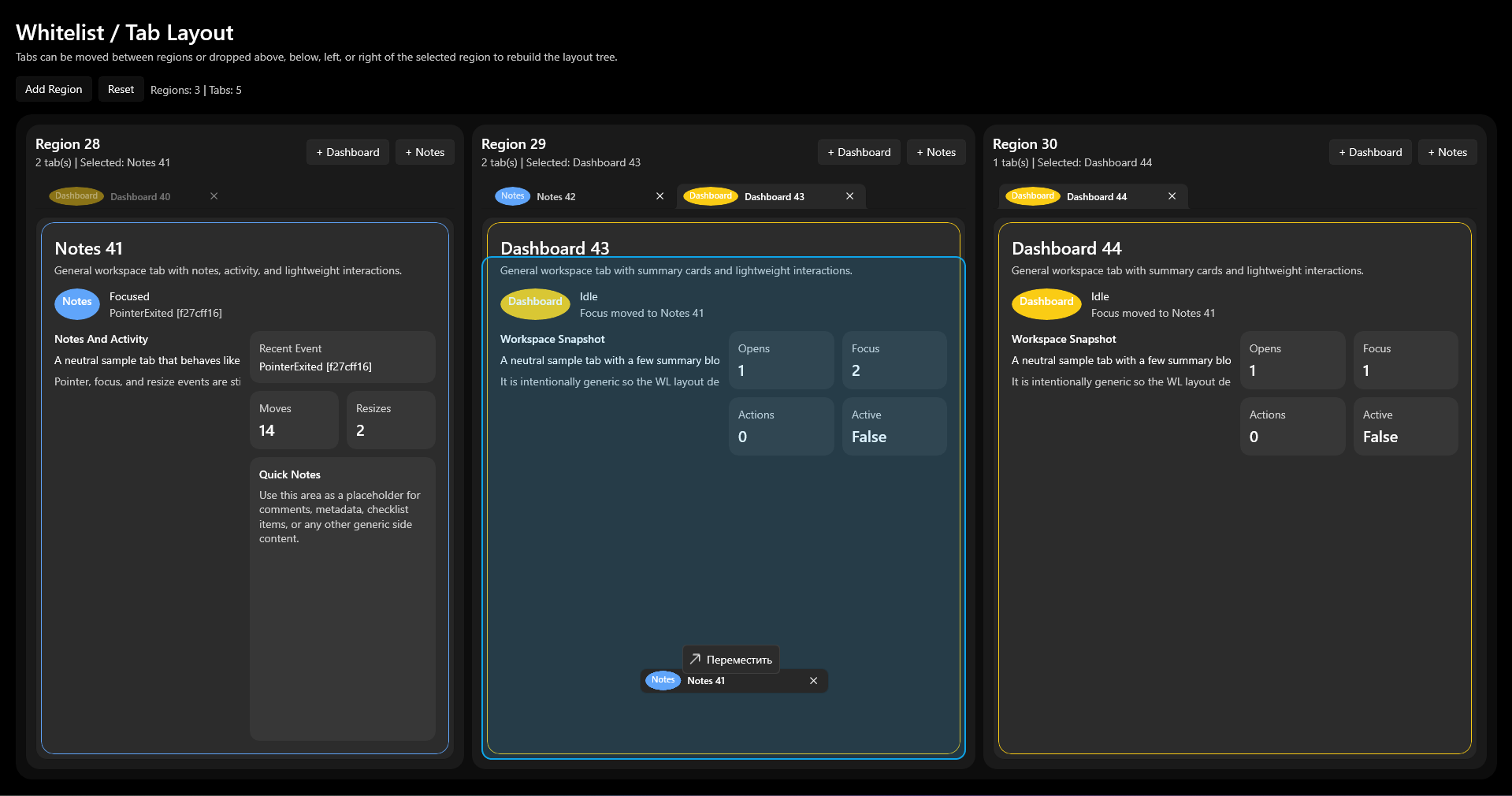
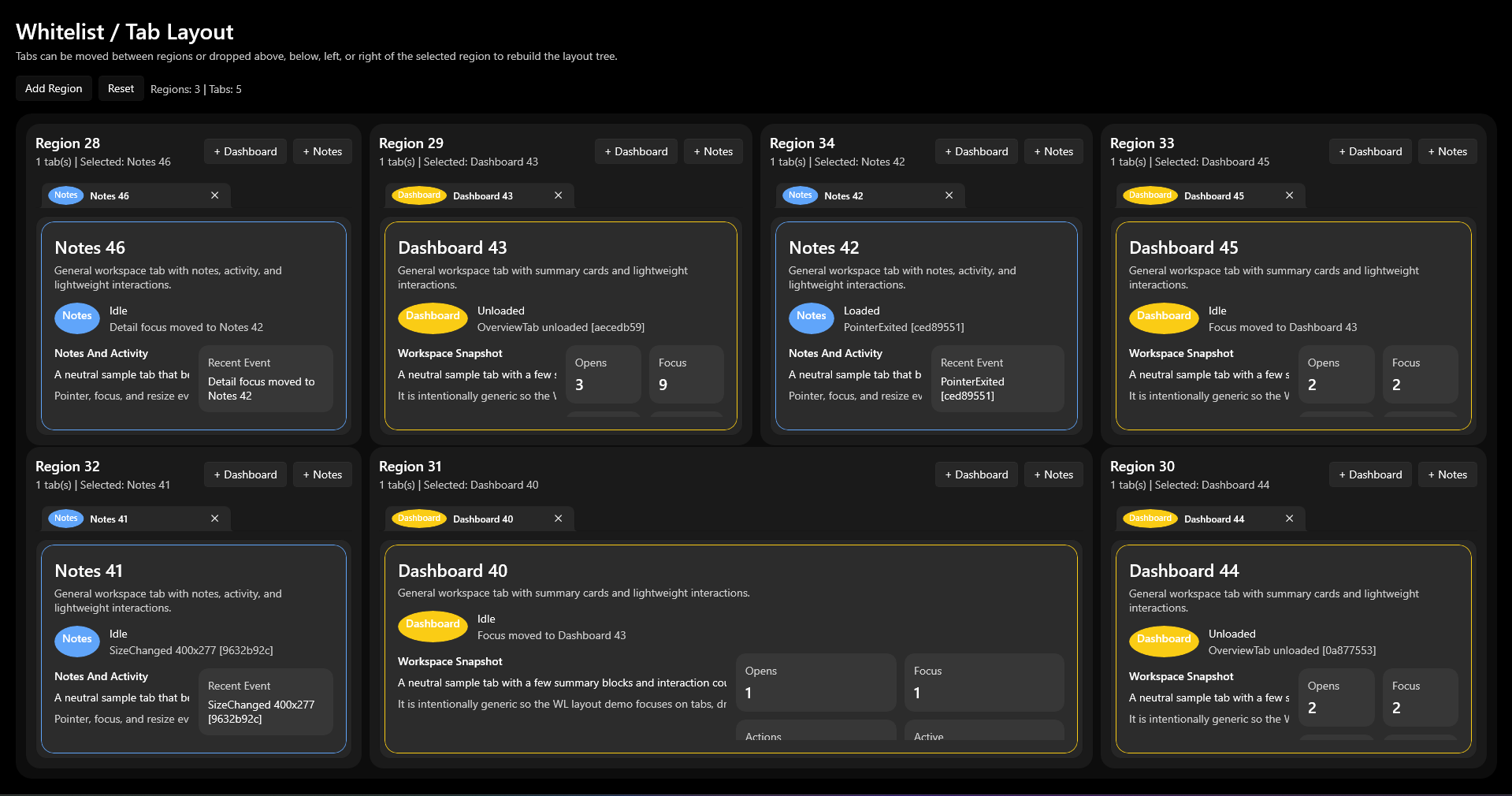
Skip building the docking layer from scratch.
Panels, tabs, and work zones — wired up as a NuGet package. Your team ships the product, not the infrastructure.
When a product demands a complex workspace, the docking layer stops being secondary — it becomes part of the architecture.
WinUI 3 Docking is a NuGet package for C# / .NET teams building multi-panel desktop interfaces — panels, tabs, and workspaces with predictable layout behavior out of the box.
Add the package and get a complete layout foundation — instead of spending months writing it from scratch.
Watch WinUI 3 Docking in action: panels, tabs, workspaces — all without writing layout infrastructure by hand.
Teams skip months of building a custom docking layer from scratch.
Engineers write business logic — the layout layer is already solved.
Critical desktop layout is built on a proven, production-tested foundation.
For interfaces with many panels, contexts, and user workflows.
The solution grew from a real applied problem, not just a demo project.
The Scalpee example shows how docking works in a live trading terminal: how panels are organized, how the workspace is structured, and how users interact with multiple data zones inside a single desktop product.
Scalpee is proof that WinUI 3 Docking holds up in a real B2B product — not just a well-crafted demo.
30 minutes. We'll walk through a scenario close to your product and show exactly where WinUI 3 Docking plugs in.
Leave your contact details and briefly describe your challenge. We'll show how WinUI 3 Docking can fit your product.
What happens next